Sync.
Edit.
Post.
All the tools you need. One simple app.
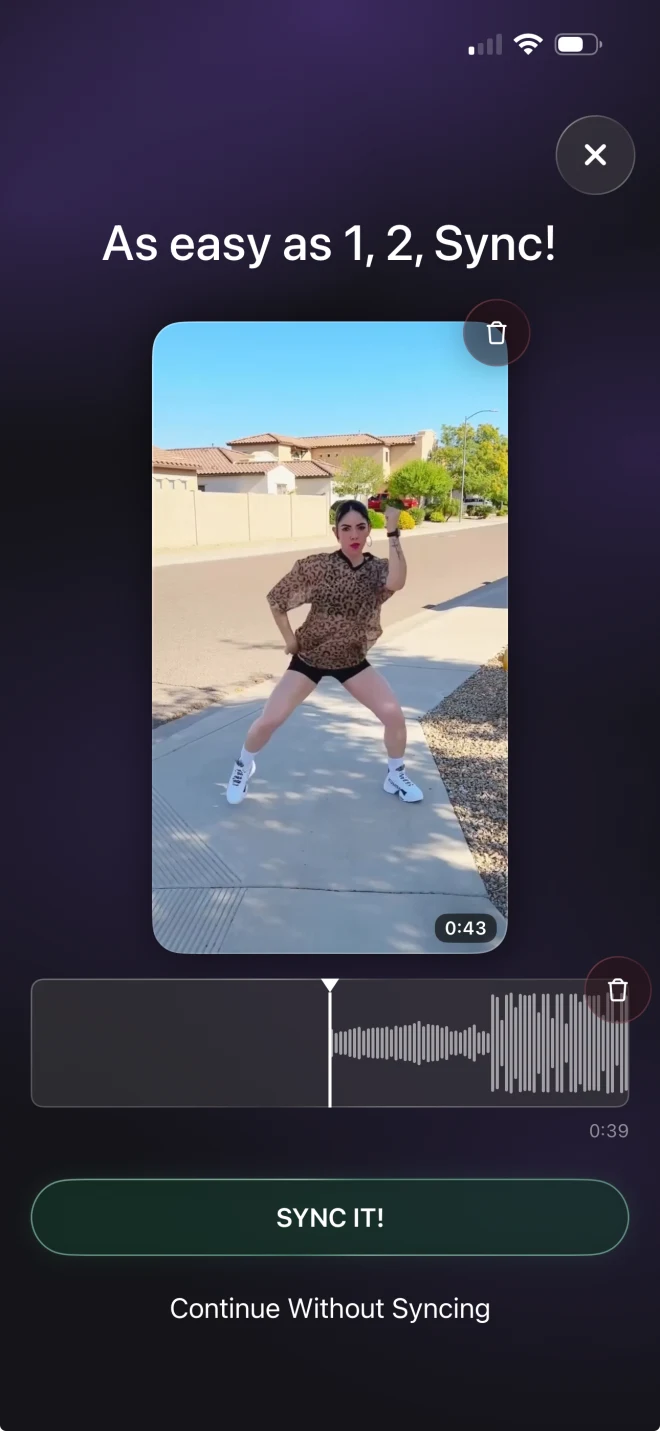
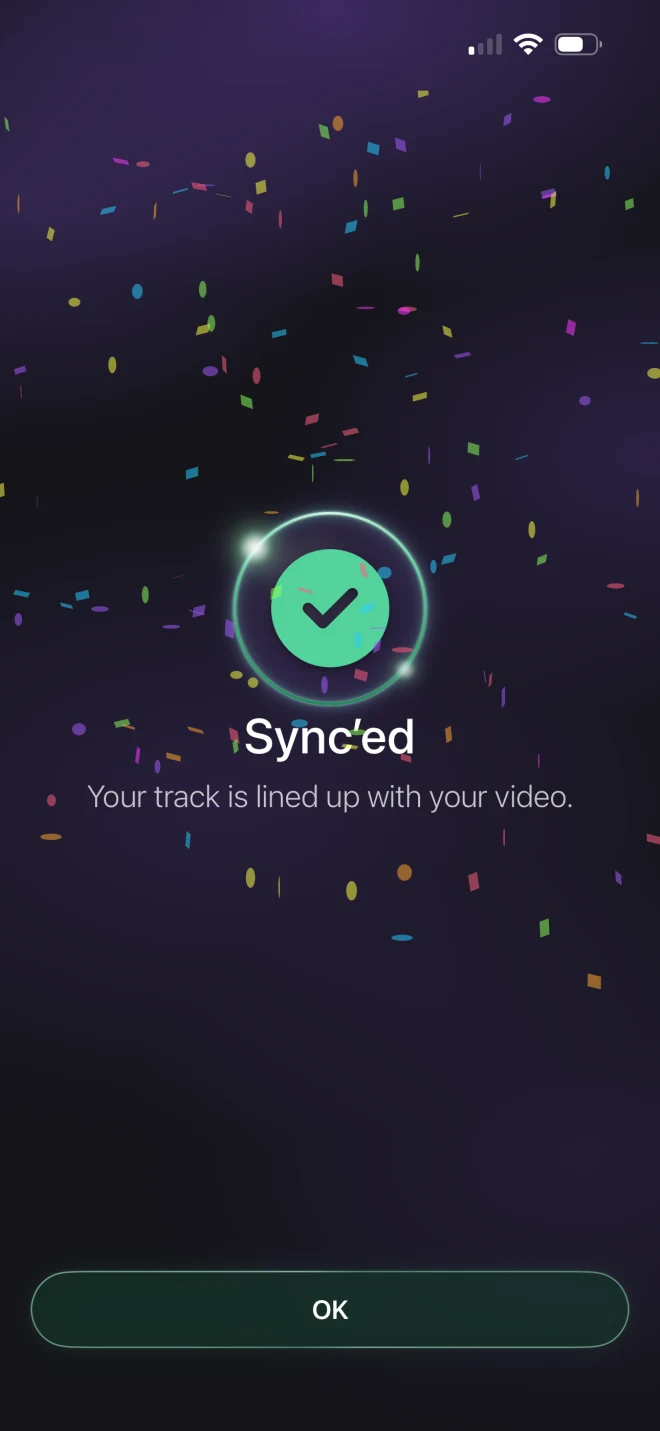
Three steps. One app.
-
Sync
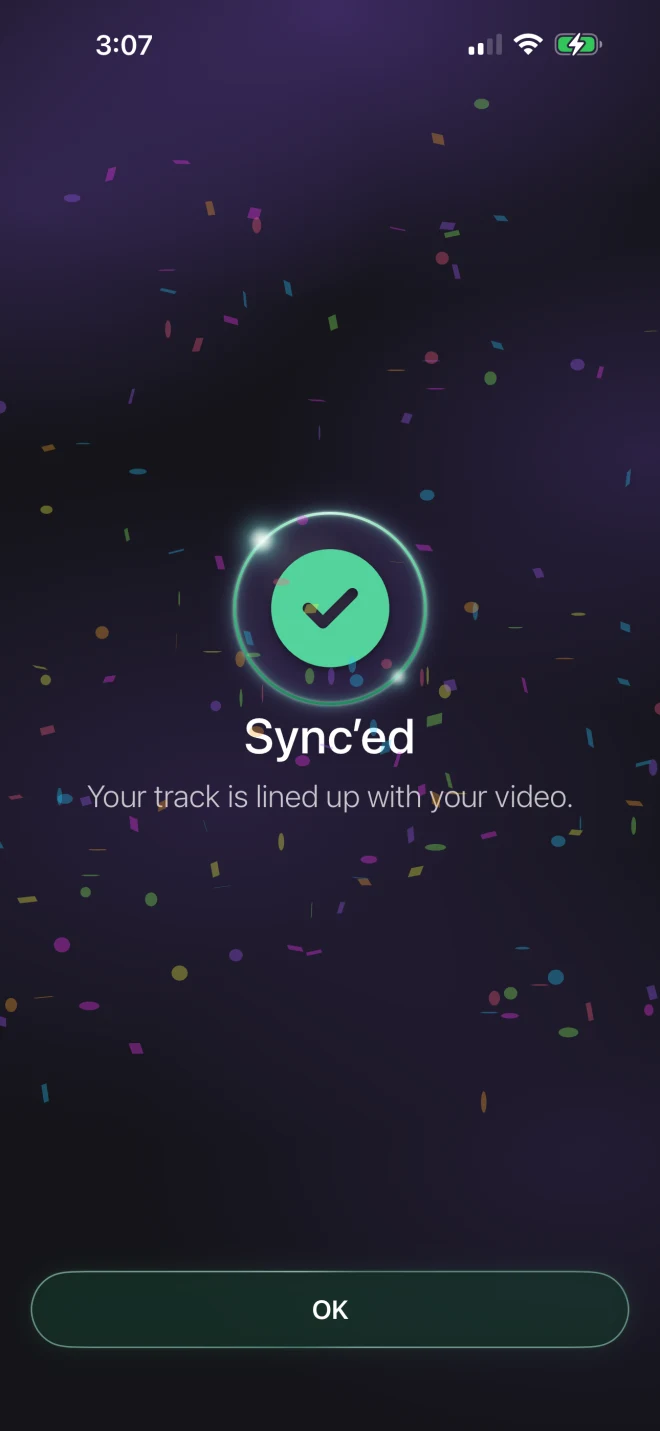
Lock your video to your track.
-
Edit
Effects, colors, and more.
-
Post
Finish it and share.
Bring audio you own, license, or have permission to use.
Filmed on
headphones?
Sync it anyway.
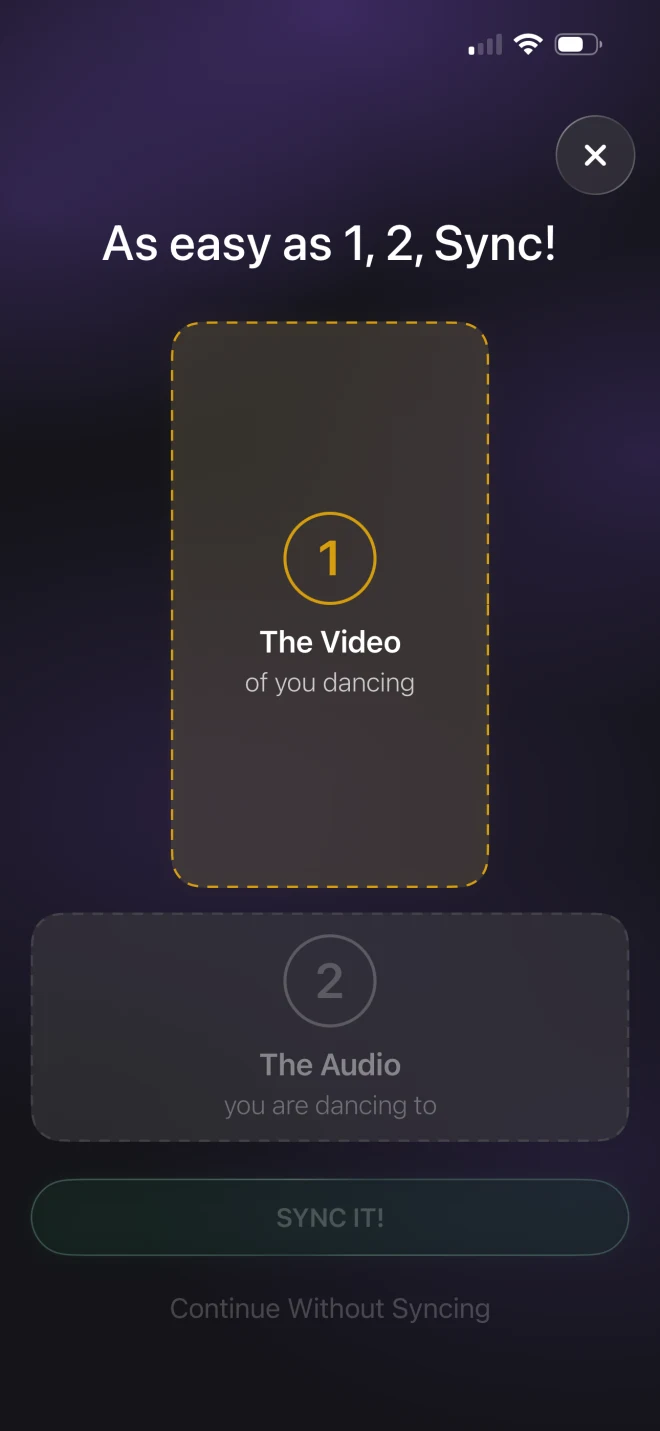
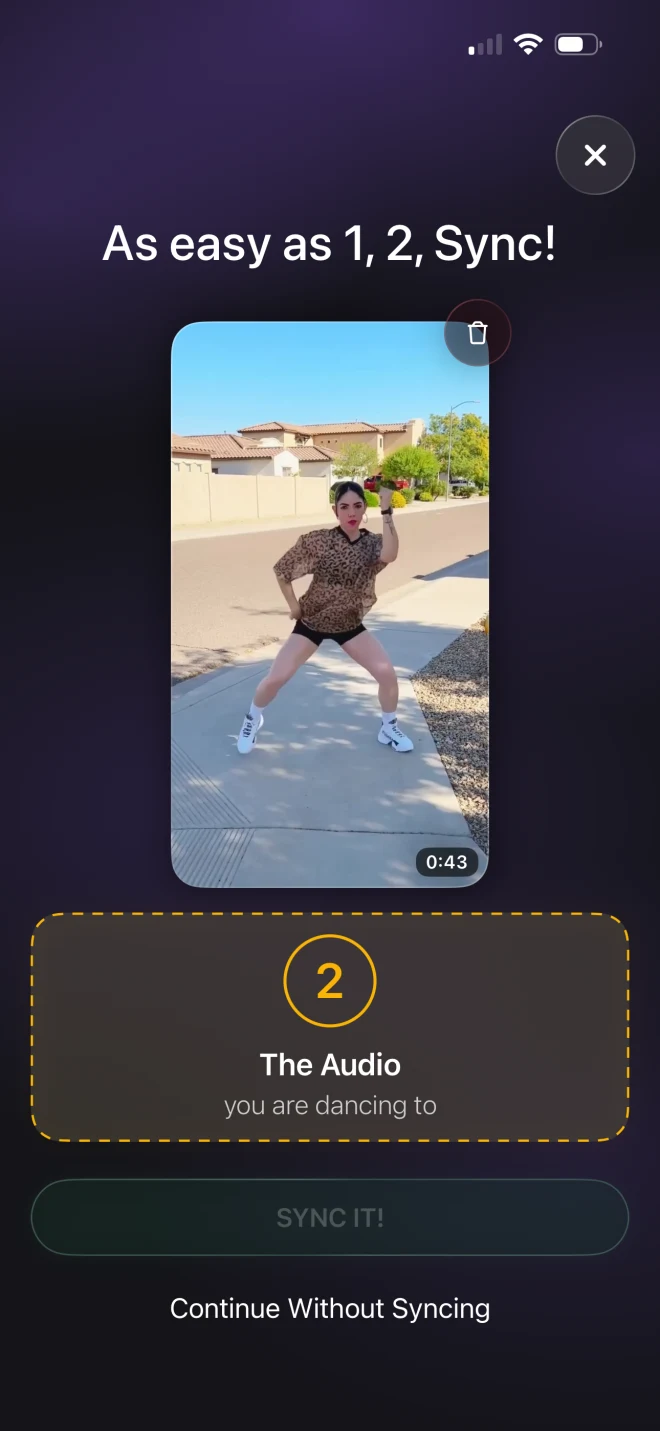
Auto Sync works by listening for the music in your video. Film with headphones in — or somewhere too quiet to pick anything up — and there is nothing for it to hear. Your track is still fine. The Sync Wizard just asks you to point at the moment instead.
See the plans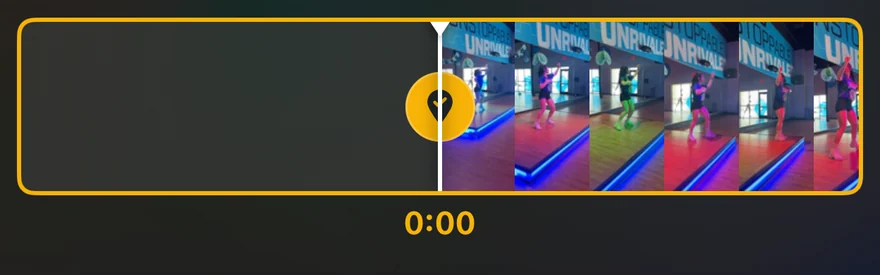
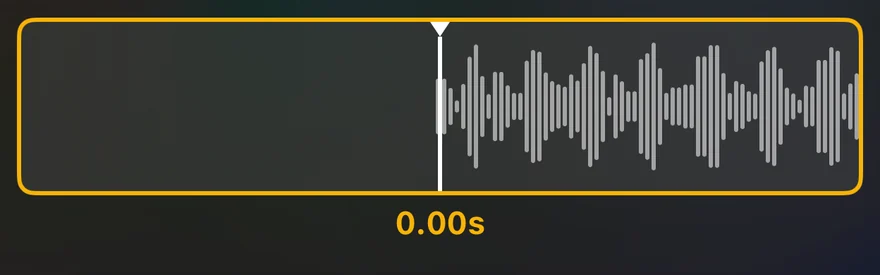
Two taps. Perfect timing — even with nothing to hear.
Sync is just the start.
A full editor
Record or upload your choreo. One app, from the clip you shot this morning to the post that goes out tonight.
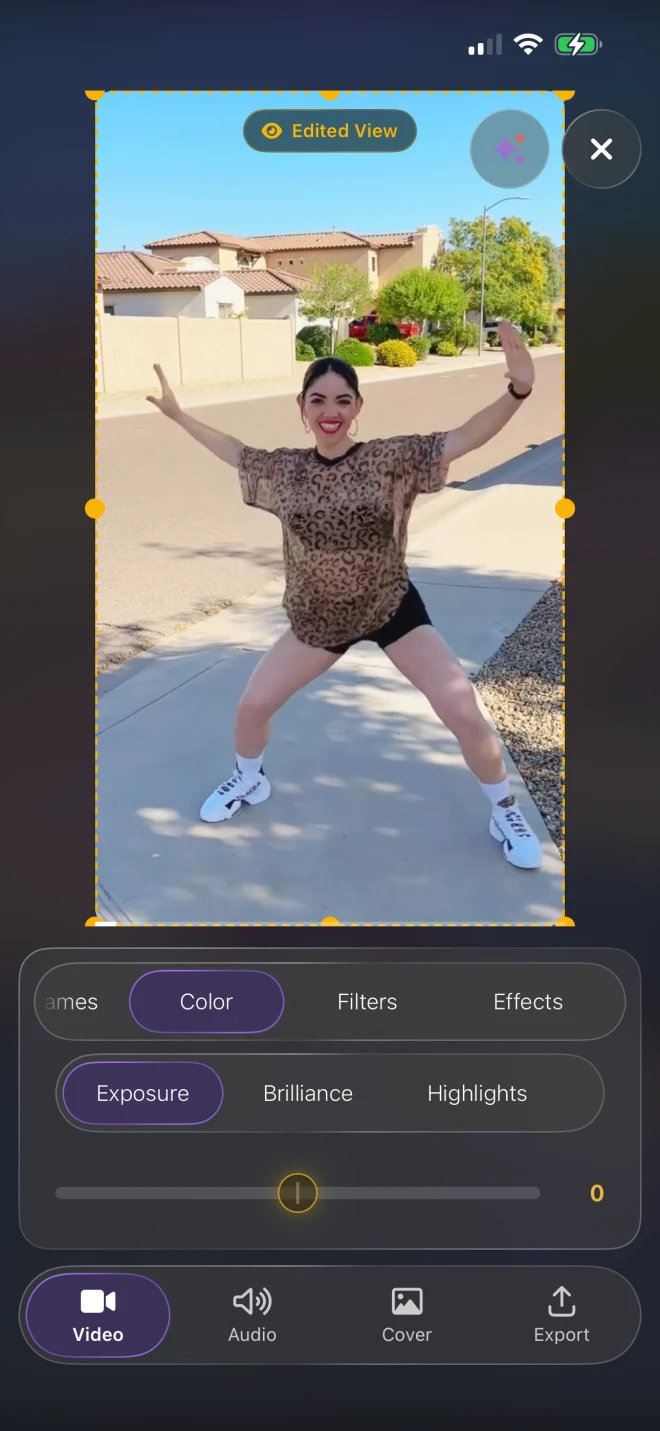
Video
The picture, start to finish.
- Trim — set the in and out points on the filmstrip
- Ratio — Original, 9:16, 1:1, 16:9, 4:3 or 3:4
- Keyframes — move and zoom the frame over time
- Color — exposure, brilliance, highlights, shadows
- Filters — HDR, Vivid, Warm, B&W and more
- Effects — fade in/out, zoom, blur or flash
- Resolution — 720p HD, 1080p Full HD or 4K Ultra HD
- End-card branding — on or off
Audio
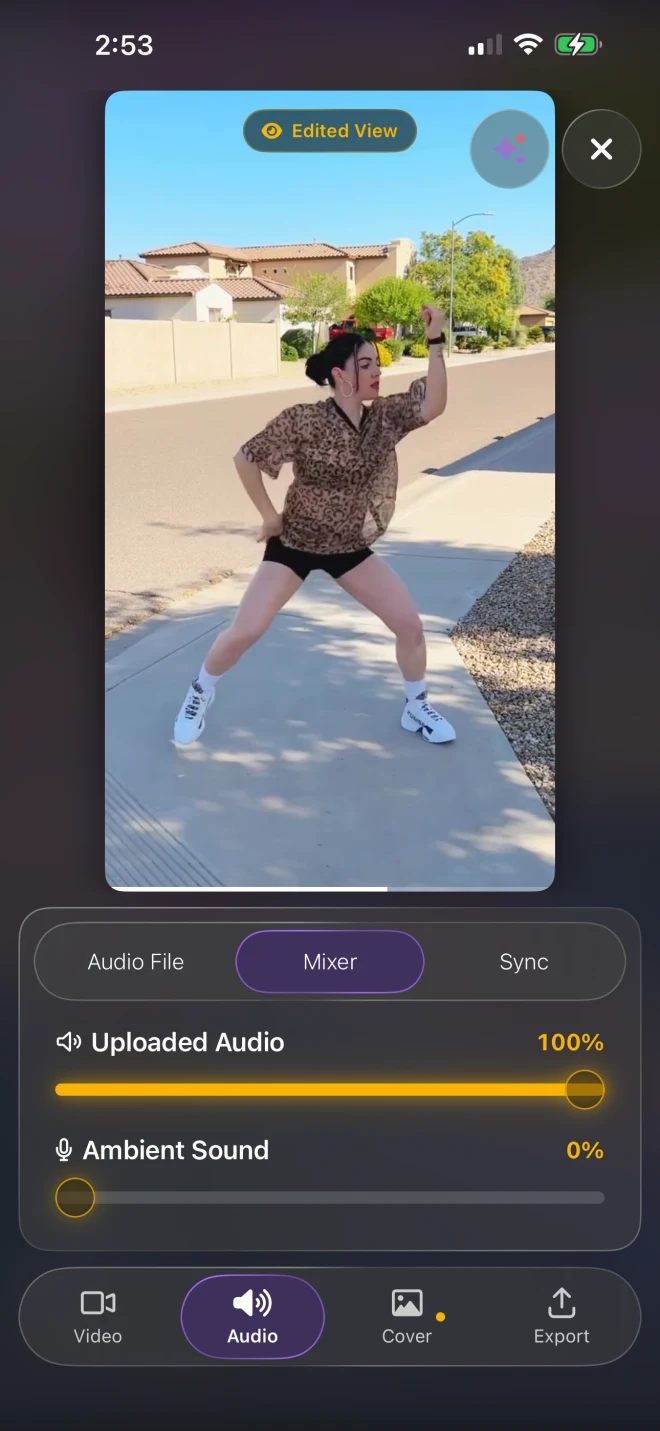
Your track, and wherever you filmed it.
- Audio File — add, change or remove the track
- Mixer — uploaded audio and ambient sound, independently
- Auto Sync — line the track up on its own
- Sync Wizard — mark a move, mark the beat
- Fine Tune — nudge the timing by hand
Cover
The frame people see first.
- Scrub the filmstrip to any moment
- Tap to set that frame as the cover
Export
Rendered on your phone, saved to Photos.
- Save Video to Photos — MP4, up to 4K
- Save Cover to Photos — JPG
- Share Video — straight to any app
- No watermark
Keep the moment.
Or don’t.
The claps, the counts, the street, the wind — whatever was actually there when you filmed. Keep all of it, none of it, or somewhere in between.
Frequently asked questions
Still curious? Get in touch and we’ll help.
What does ChoreoSync do?
ChoreoSync helps clean up dance videos by syncing them with authorized audio and preserving the natural energy of wherever you filmed, so your clips are ready to post.
Do I need any editing experience?
No. Record or upload your video, sync your audio, and export — ChoreoSync handles the tedious part for you.
Can I record in the app?
Yes, on iPhone. Pick your song and the part you want to dance to, then tap record — a countdown runs, the music plays, and the take stops on its own when that part ends. Or upload a clip you already shot.
What is Studio Sound?
Studio Sound helps your video line up with authorized audio and keeps the feel of the original ambient sound. It’s on every plan, free included.
What audio can I use?
ChoreoSync is designed for music you own, license, or have permission to use. You’re responsible for making sure you have the rights to the audio in your videos.
Which formats can I export?
Clean video in 9:16, 1:1, 16:9 and more, up to 4K — ready for Reels, TikTok, Shorts, Facebook and YouTube.
Is there a free plan?
Yes. Everything except exporting is free, with no card — Pro unlocks the export. See pricing for what ChoreoSync launches with.
Your next choreo
is waiting.
Free to make. Pro to keep.
See the plansFree plan at launch